The January FBI raid of the home of Washington Post federal government reporter Hannah Natanson, in connection with a leak probe involving a government contractor, was a dangerous escalation against press freedom and likely runs afoul of the Privacy Protection Act. It shouldn’t have happened at all.
A judge has since ordered that the government preserve, but not review, the materials seized during the raid. We’ve recently examined a court document that shines light on some specifics of the case, and think journalists can learn something from what it reveals.
No. 1: Work devices may be recording your activities
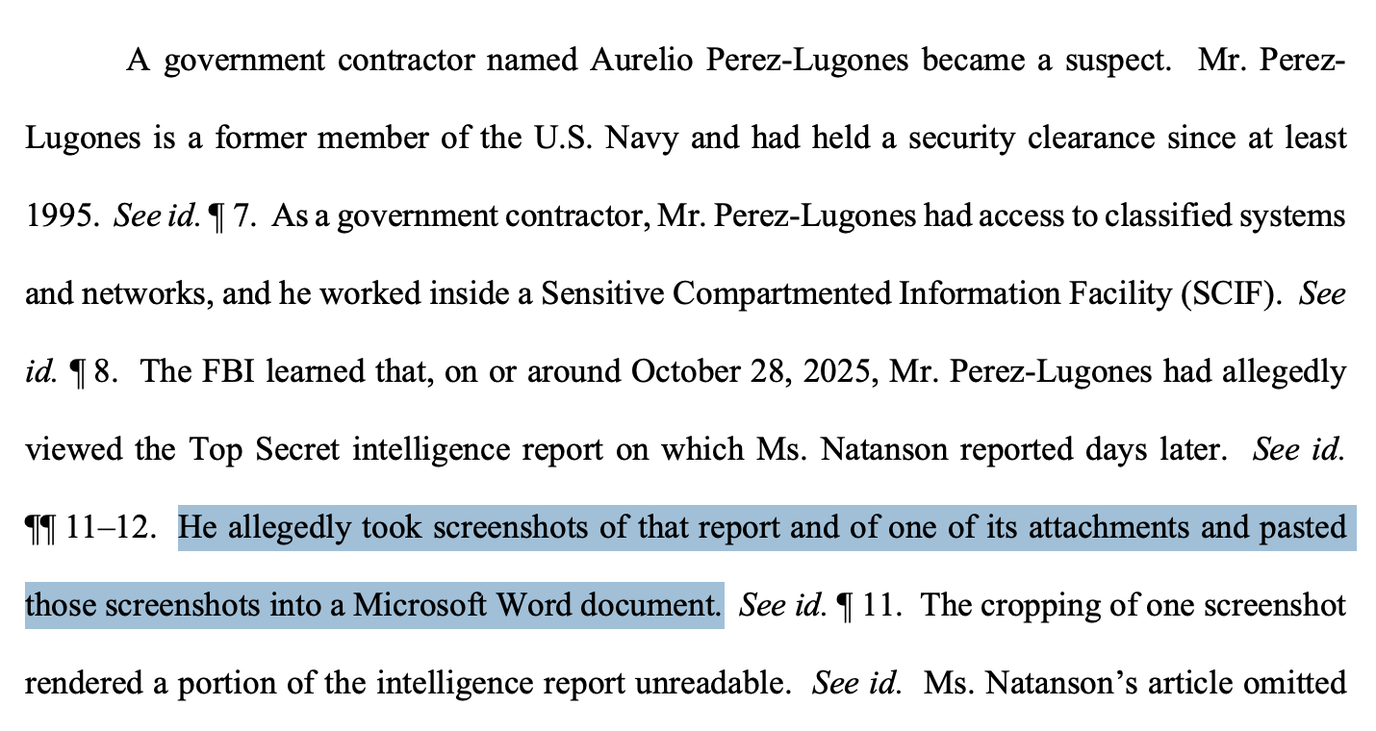
The court filing suggests Aurelio Luis Perez-Lugones, the government contractor, allegedly viewed a document later published by Natanson and took screenshots before pasting those images into a new Microsoft Word document.
If you use a work-issued computer or phone at any well-resourced organization, like a government agency, it’s quite likely that there are a handful of technologies to track employee activities baked into your device.
Services like Google Workspace and Microsoft 365 provide administrators with audit logs of employees’ activities, such as the user who opened a given document, actions taken in the document, and when they were taken.
In practice, this means investigators could see a list of everyone who accessed a leaked document and make a short list of likely sources of the leak.
Many workplaces also use mobile device management services to equip workplace devices with security monitoring, control, and visibility into those devices.
In this case, we see that investigators were able to detect Perez-Lugones’ screenshot, which likely would have removed some metadata — information about the original document — before he printed it out as a new document.
A well-resourced work environment, unfortunately, has an extraordinary level of visibility into employees’ activities on their devices. Sources should therefore generally assume what they do on workplace laptops, phones, networks, and physical spaces is being recorded.
No. 2: Sometimes biometrics need to be disabled
The document suggests investigators were authorized to force the reporter to use biometrics to unlock devices, using her fingerprints or the face scanners built into her devices.
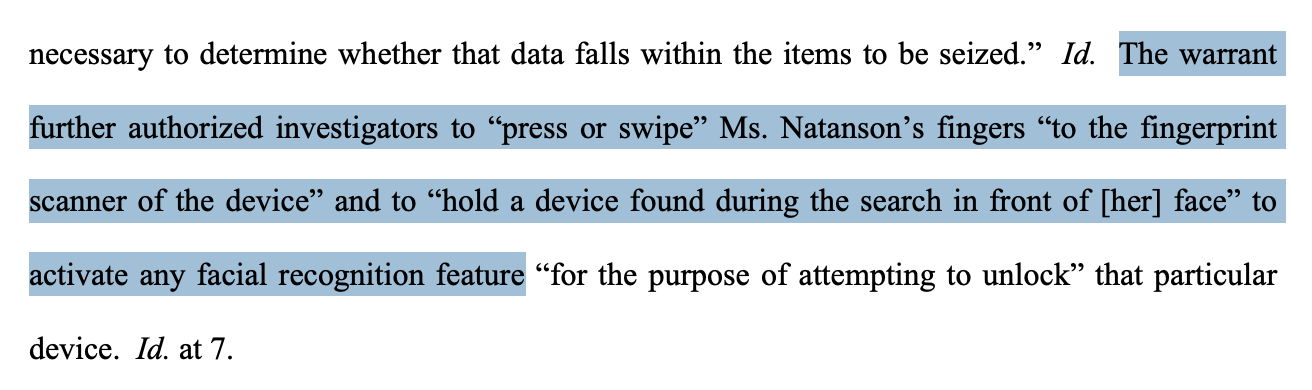
After seizing her MacBook Pro, Natanson was told to unlock it with her fingerprint.
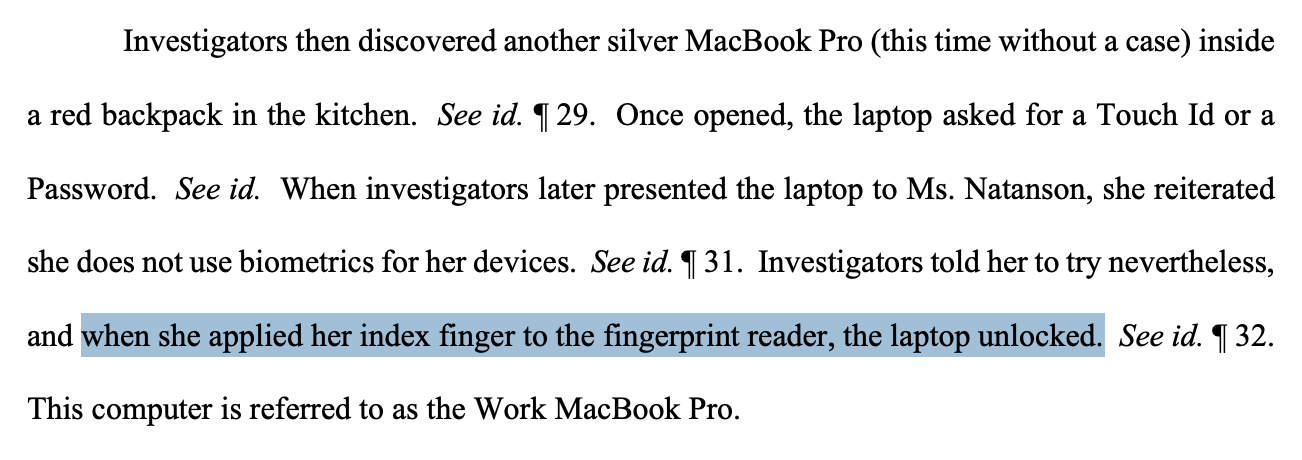
While rare, we have seen other examples of law enforcement actors obtaining permission and attempting to use biometric unlocks with tools like Face ID and Touch ID to force reporters to unlock their devices.
There is a place for biometrics — the alternative would be typing in your passcode dozens or even hundreds of times each day, which would encourage weaker passcodes. (And we hope you use a long, unique passcode!)
But if you are going into a scenario where you expect it’s possible your phone may be seized, such as when going through airport security, disabling biometrics doesn’t hurt.
Natanson probably couldn’t reasonably have predicted that her devices were about to be seized, and it’s therefore harder to prepare for a situation like this.
We do know that many raids happen before dawn, so this points to a benefit in shutting down your computer before bed and when not in use.
You can also quickly disable biometrics at any time by holding the power button and the volume-up button on your phone at the same time. This will immediately disable biometrics on an iPhone, but on Android, you may need to click “Lockdown” afterward. Android users may need to enable this from the Settings app.
If you feel comfortable simply typing in your passcode on your desktop computer, consider disabling biometrics on your desktop and using a passcode to unlock the device. You can always continue using biometric features like Touch ID on your laptop with other services after the device is unlocked.
No. 3: Think through how to minimize risk to your Signal messages
Once investigators unlocked her workplace laptop, they took photos and audio recordings of the conversations in the laptop’s Signal application.
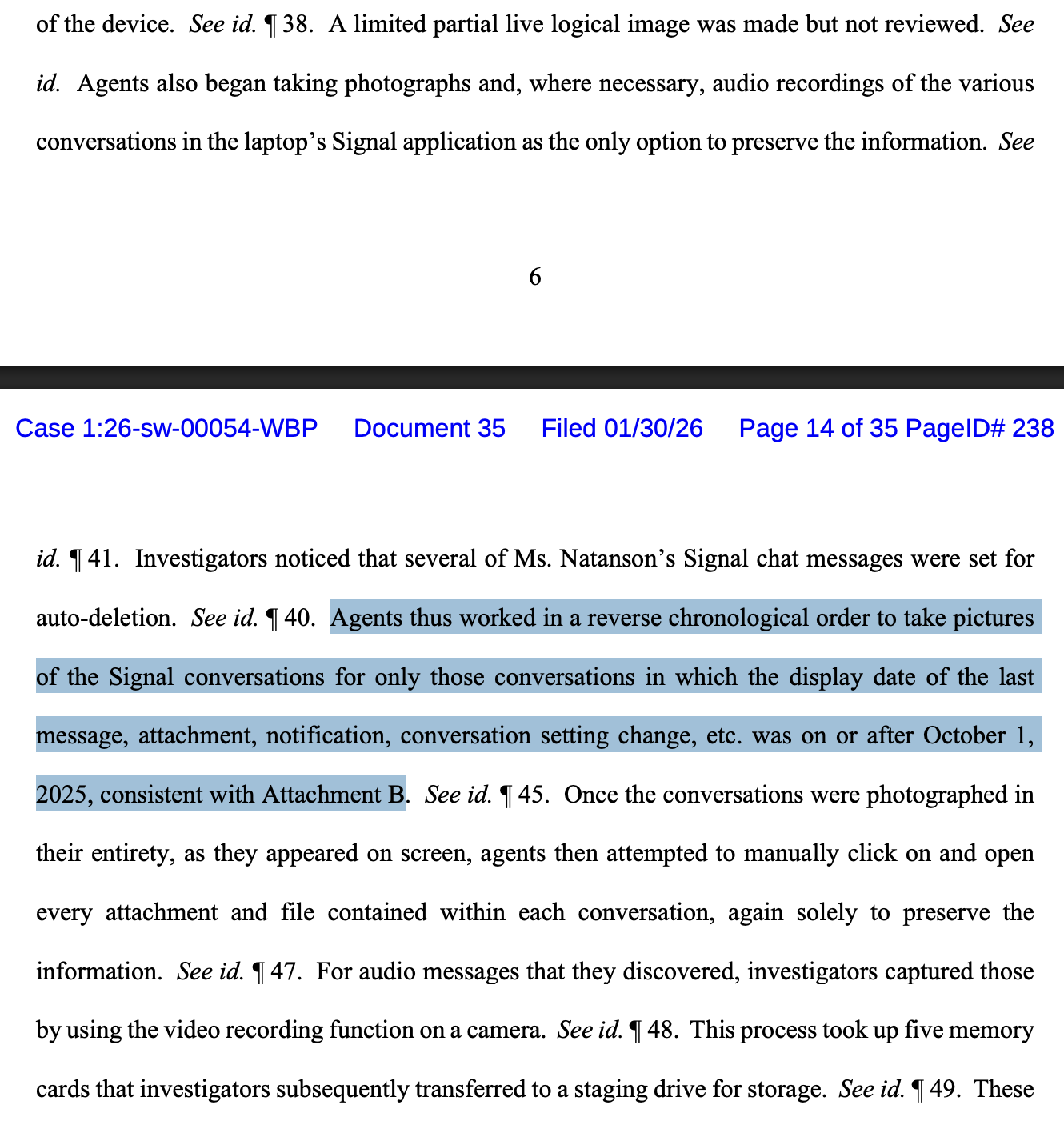
This also brings up the challenging question of when to use Signal for Desktop. Signal for Desktop is convenient — I use it every day. But Signal is only as secure as your devices.
It first needs to be installed on your mobile device, which comes with its own risk of being infected with malware that could compromise your messages.
If you link your Signal account to your desktop, you are introducing even more risk. That’s a choice you’ll have to make.
Regardless, you need to keep your Signal app up to date, along with every device using Signal, to ensure you’re receiving the newest security patches.
Likewise, there are situations where journalists may need to retain their messages, but not all messages need to live on your device indefinitely.
When possible, reporters may want to enable Signal’s disappearing messages to minimize the risk of your messages being read if someone snatches your phone, or simply in case of loss or theft. Read our guide to locking down Signal to learn how to set it up.
No. 4: Apple’s Lockdown Mode works
It appears data on the reporter’s iPhone could not be extracted using forensic devices, at least in part because Apple’s Lockdown Mode was enabled.
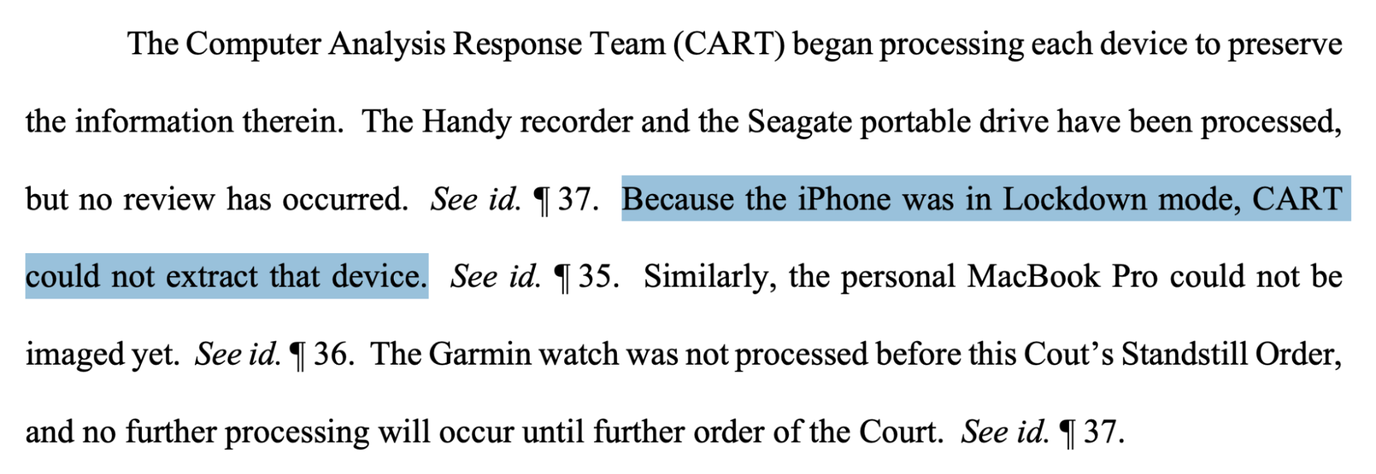
What’s Lockdown Mode, you ask? It’s an optional feature built into Apple devices that allows you to harden your device by disabling some features, such as certain forms of message attachments.
Importantly, when your iPhone is locked, it also disables connections from accessories, such as USB devices. Many forensic devices plug directly into your phone in order to connect, and this means they appear to have a tougher time connecting when Lockdown Mode is enabled.
If you feel at risk, consider trying out Lockdown Mode, or if you have an Android phone, enable Advanced Protection. Disabling some technologies to harden your device may affect how your phone works slightly. But you may appreciate the added assurance.
Research from forensic companies like Cellebrite shows that they have a tougher time breaking into newer and up-to-date phones. So while you’re at it, download your updates as soon as you can. Read more about mobile device safety.
No. 5: When possible, encrypt your storage
We understand that investigators seized multiple devices, including an audio recorder and an external hard drive.
Usually, there is no straightforward way to encrypt certain devices, such as dedicated cameras and recording devices. However, you can off-load information from these devices immediately to a device that you can encrypt, such as your computer.
You can encrypt your computer’s drive by enabling FileVault for Macs, and BitLocker for Windows Pro’s Enterprise and Education editions. On Linux, you can encrypt your device with LUKS. A modern, up-to-date iPhone or Android device will be encrypted by default by simply having a passcode.
Note that disk encryption is fully enabled until you type in your passcode to decrypt the device. The easiest way to enable disk encryption is therefore to simply power down your device.
This is not just about raids — you can always harden your devices
This raid was extraordinary, but the things we can do to protect the data on our devices are not, and may apply to more routine security issues, like the potential for loss or theft. Take some time to learn about things you can do to protect your device by reading our guide to mobile maintenance. And journalists can always reach out to our digital security team for assistance.